RoomTour
Everything RoomTour does.
From the first step into the property to the link in the listing: how each part works, with screenshots of the app.
See the example propertyGuided capture
The app shows you where to point: about 30 photos per room, one turn on the spot, and the iPhone stitches them into a 360° panorama. No 360 camera, no tripod, no LiDAR.
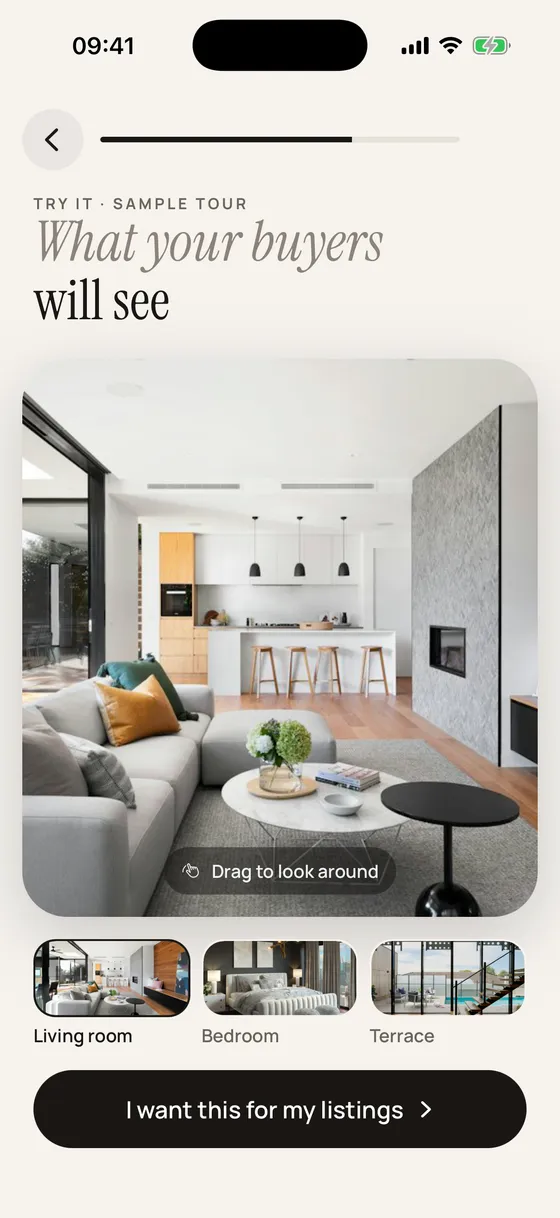
360° tour
Every room as if you were standing in it, with arrows to the next one and a floor-plan minimap. It opens on any phone or computer, with nothing to install.
Property model Coming soon
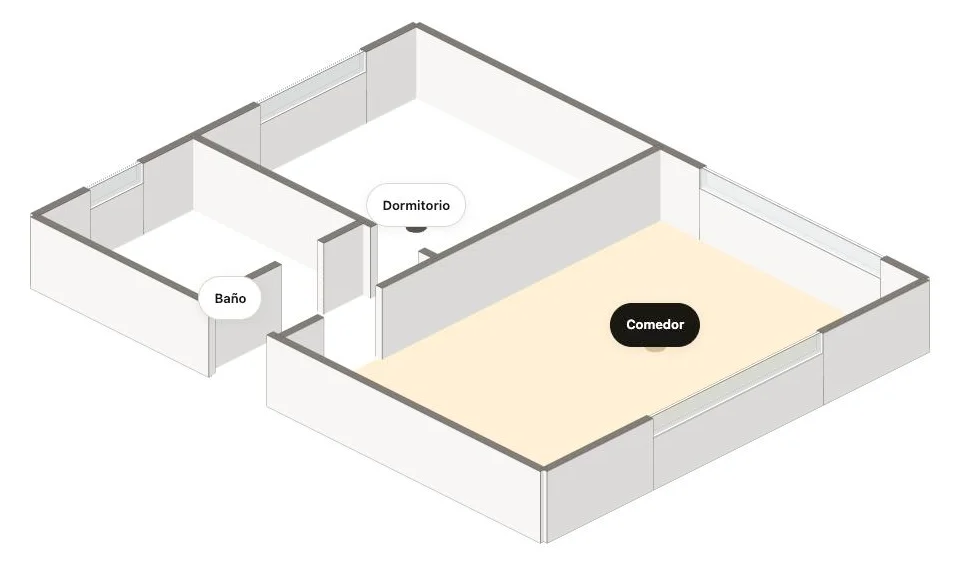
Upload the floor plan you already have and AI traces the walls, doors and windows. The tour shows the layout in 3D or as a plan, with the room you are in lit up, and you can download the image for your listing. Always labelled as approximate.
Walk-through with real photos Coming soon
Walk through the property from room to room. The walls, floor and ceiling carry each room’s real photos, so it shows the actual home, not a render. On each capture point the view is exact.
Ready to share
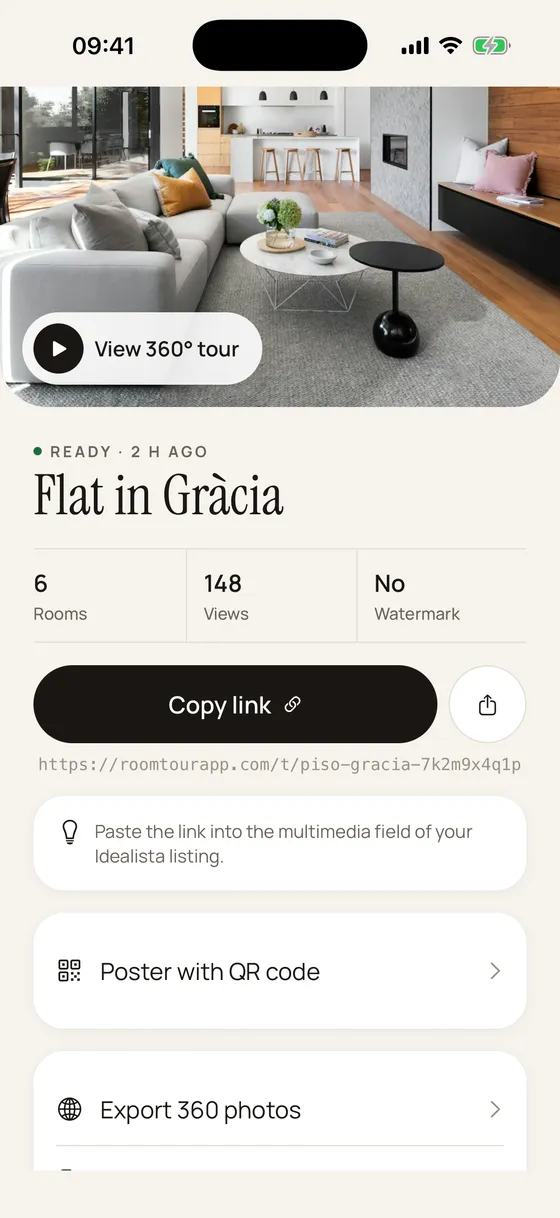
A short link for WhatsApp, email and property portals; a code to embed the tour on your website; and an A4 poster with a QR code for the window. Views are counted without cookies.
All your properties
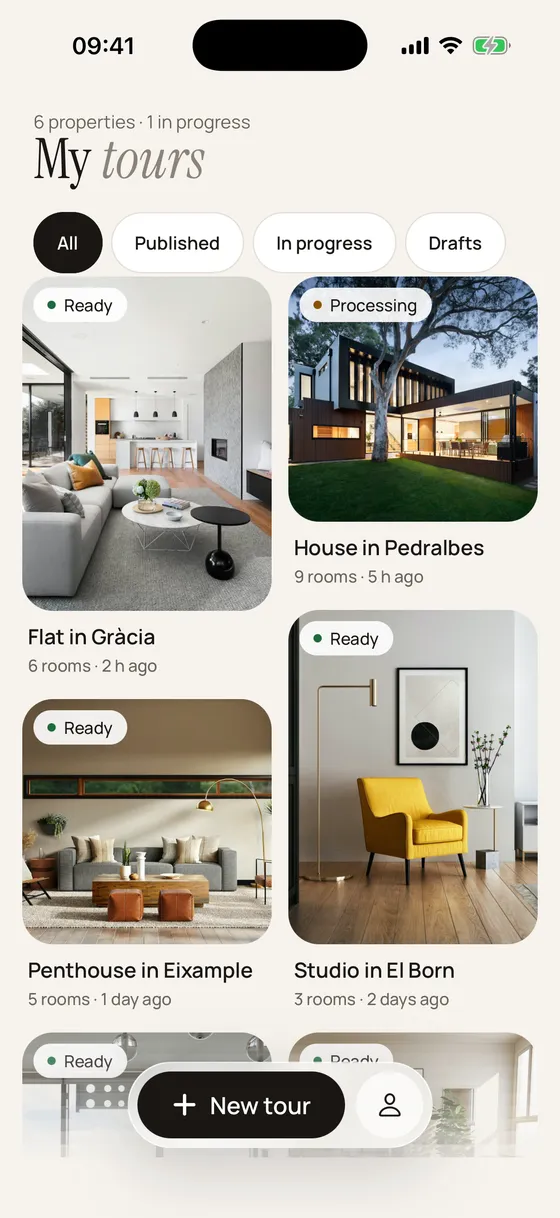
One list with every tour and its status: ready, processing or draft. From the web dashboard you can also copy links, upload the floor plan and download it as a PNG or PDF.