 RoomTour
360° tour
One link, and the whole home in 360°.
Paste it in your listing, in WhatsApp or in an email. Whoever opens it walks through the rooms on their phone or computer, with nothing to install.
The problem
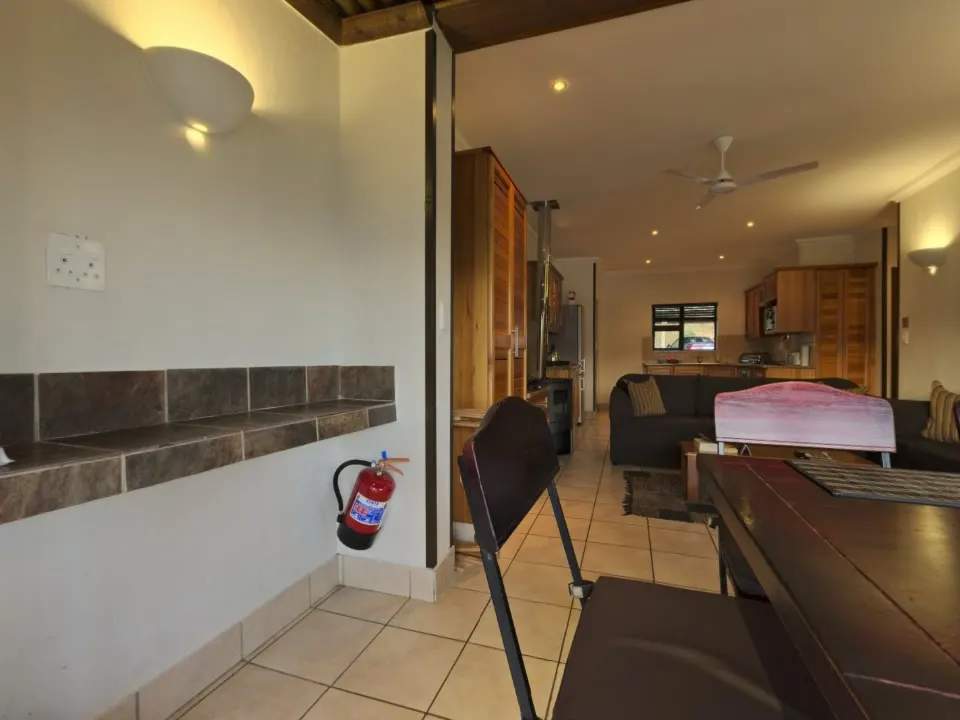
From a stack of photos, buyers can't tell what a place is like until they go and see it.
The usual fix
A long link that lands in WhatsApp with no picture, or a viewer that wants you to install something.
With RoomTour
A short link that arrives with a photo and a title. It opens in the browser on any phone.
From iPhone to listing, in three steps.
-
1 · Publish
When you finish the capture, tap "Finish and publish". The photos upload and the tour is put together on our servers.
-
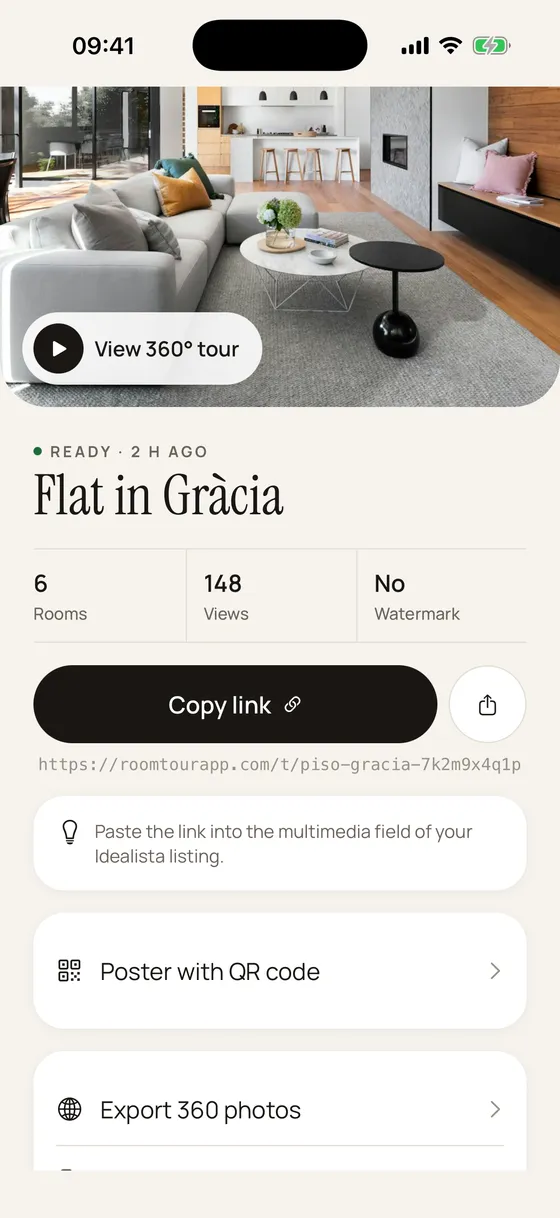
App screen with sample data. 2 · Copy the link
Once it's ready, the app gives you a roomtourapp.com/t/… link with "Copy link" and "Share link" buttons.
-
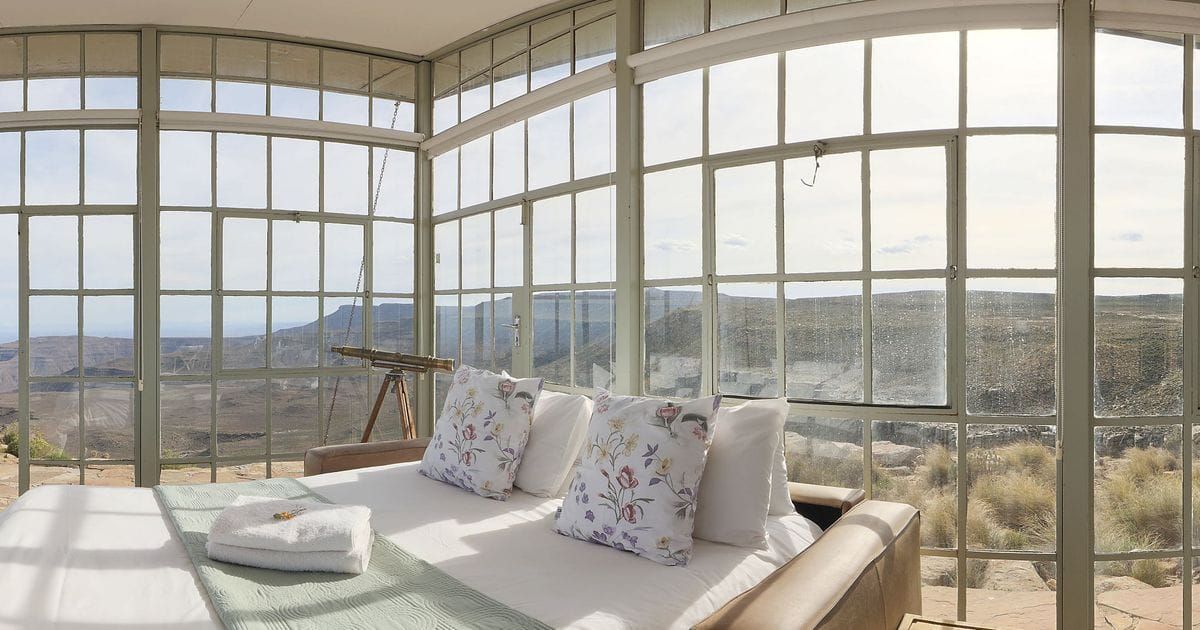
The example flat's 1200 × 630 preview, cropped the way RoomTour does it. 3 · It arrives with a photo
In WhatsApp, iMessage, Facebook or LinkedIn the link shows the tour's title and a photo of the first room.
What you get
Nothing to install
It opens in the browser on any phone or computer. On a phone, tap "Move with your phone" and look around by turning it.
Room to room
Arrows take you to the next or previous room, and a strip of thumbnails lets you jump to any of them.
Floor plan with "you are here"
If the tour has a floor plan, a minimap shows where you are and where the other rooms sit. The plan comes from an iPhone with LiDAR, or from one you upload in the web dashboard.
Sharp without crashing
A 4096 px version loads first so something shows straight away. Computers that can handle it then switch to 8192 px. iPhones stay on 4096 so the browser doesn't close the page.
In the viewer's language
Buttons follow the browser's language (English, Spanish, French, German, Italian or Portuguese). Room names and the link preview stay in the tour's language.
Only for people with the link
The link is the tour's title plus 10 random characters, so nobody can guess it. The page asks Google not to index it.
Questions about the 360° tour
Can I add it to a property portal listing?
You can try the virtual tour field, but portals usually only accept tours from their own list of providers, and RoomTour isn't on those lists yet. The link always works in WhatsApp, on your own site and on the QR poster. More in embedding the tour.
What does it look like in WhatsApp?
It shows the tour's title, a photo of the first room and a short line inviting people to walk through, in the tour's language.
Can I put it on my website?
Yes. In the web dashboard every tour has its own embed code. Embedded, the tour has no RoomTour mark and no contact form.
Can I see how many people opened it?
Yes. The app shows each tour's views. They're counted without cookies.
What if I want to take it down?
Delete the tour in the app and its photos are deleted too. The link stops working.
Was the example flat made with the app?
No. Its photos are free (CC0) panoramas from Poly Haven. The viewer, the buttons and the photo size are the same as in a published tour.
Goes with
-
Capture without a 360 camera
Shoot each room in 360° with your iPhone. Follow a dot, the app takes 30 photos and stitches them on the phone.
-
Embed on your website
The tour inside the property page on your own website, from code you copy and paste. Plus the tour link for listings and messages.
-
QR poster
An A4 window poster with a photo of the property and a QR code that opens the tour on a phone.
Your first tour is free and never expires.
Download on the App Store