 RoomTour
QR poster
People walking past can step inside from their phone.
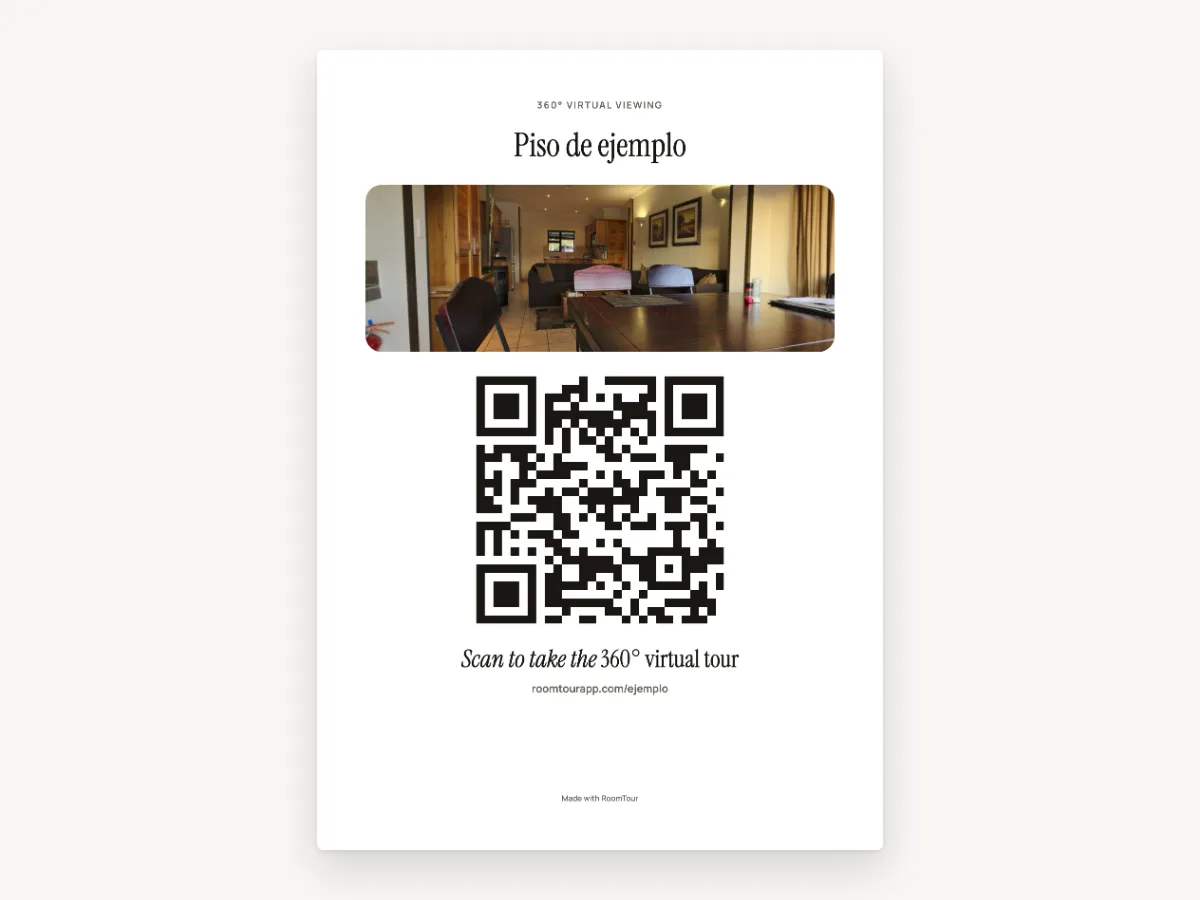
Every published tour has its own A4 poster with the title, a photo and a big QR code. Scanning it opens the 360° tour. There's nothing to install.
The problem
A window card shows one photo and a price. Anyone who wants more has to walk in or call.
The usual fix
Design a card yourself, make the QR code on another site and check it goes to the right page.
With RoomTour
The poster is ready as soon as the tour is published. Its QR code already opens the tour, and there's nothing to design.
From tour to window, in three steps.
-
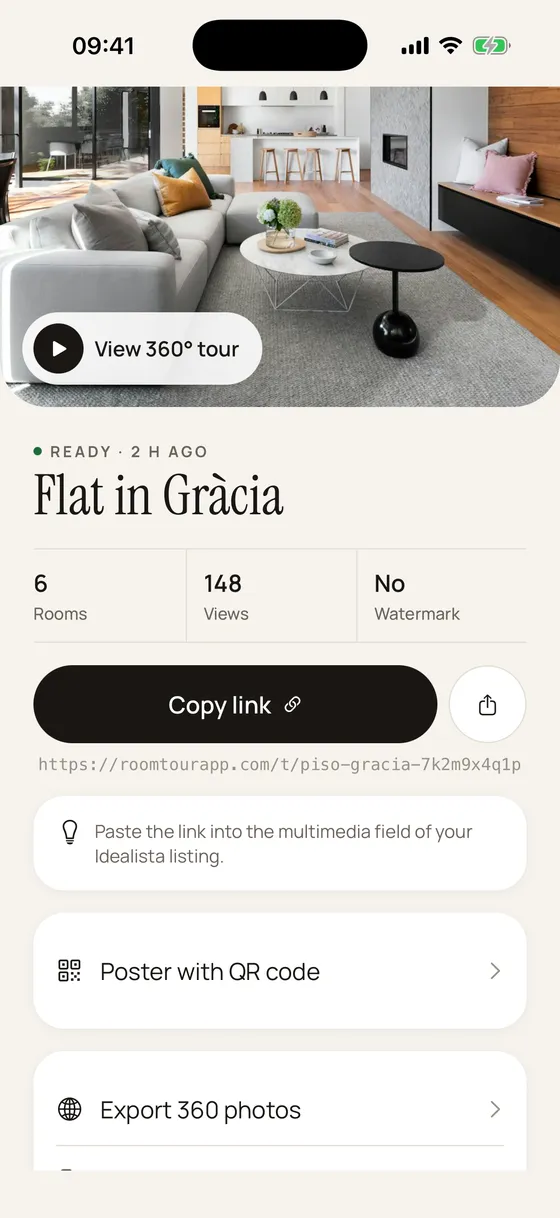
1 · Publish the tour
Once the tour is ready, its page in the app has a "Poster with QR code" option. In the web dashboard it's under Share, as "Open the poster".
-
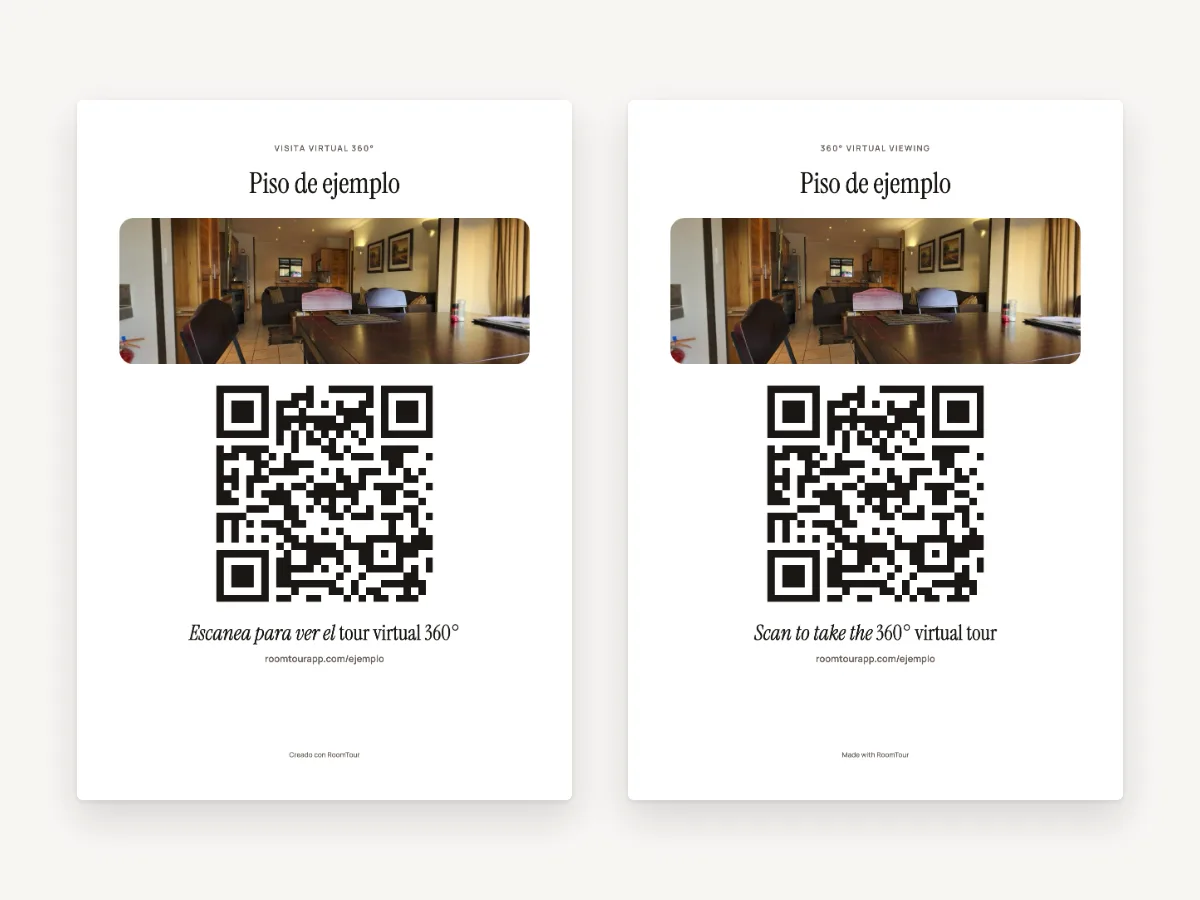
2 · Open it and print
It opens in your browser as an A4 page. Press "Print" and pick a printer, or save it as a PDF. The button doesn't print. A link at the top switches it to Spanish.
-
3 · Put it in the window
Whoever scans it gets the tour on their phone and can move from room to room in 360°. The address is printed under the QR code for anyone who'd rather type it.
What you get
An A4 sheet, ready to print
Portrait A4 with the photo in colour. The top bar and the "Print" button only show on screen.
A 9 cm QR code
The code is about 9 cm across. It uses level M error correction, so it still scans if the paper gets a little scuffed or stained.
English or Spanish
It comes out in the tour's language, and one link switches it to the other. The property title stays as you wrote it.
The link never changes
The QR code opens the tour link (roomtourapp.com/t/…). Republish the tour and the link stays the same, so a printed poster keeps working.
Scans count as views
Every scan opens the tour and adds a view. Scans aren't counted separately from other views yet.
On every plan
Any published tour has one, on the free plan too.
What you need
- A published tour. You make it with the iPhone app.
- A printer, or the PDF and a print shop.
- It's on every plan, the free one included. See pricing.
Questions about the poster
Can I add my agency's logo?
Not yet. The poster has the property title, a photo, the QR code, the tour address and a small "Made with RoomTour" line at the bottom.
Where does the photo come from?
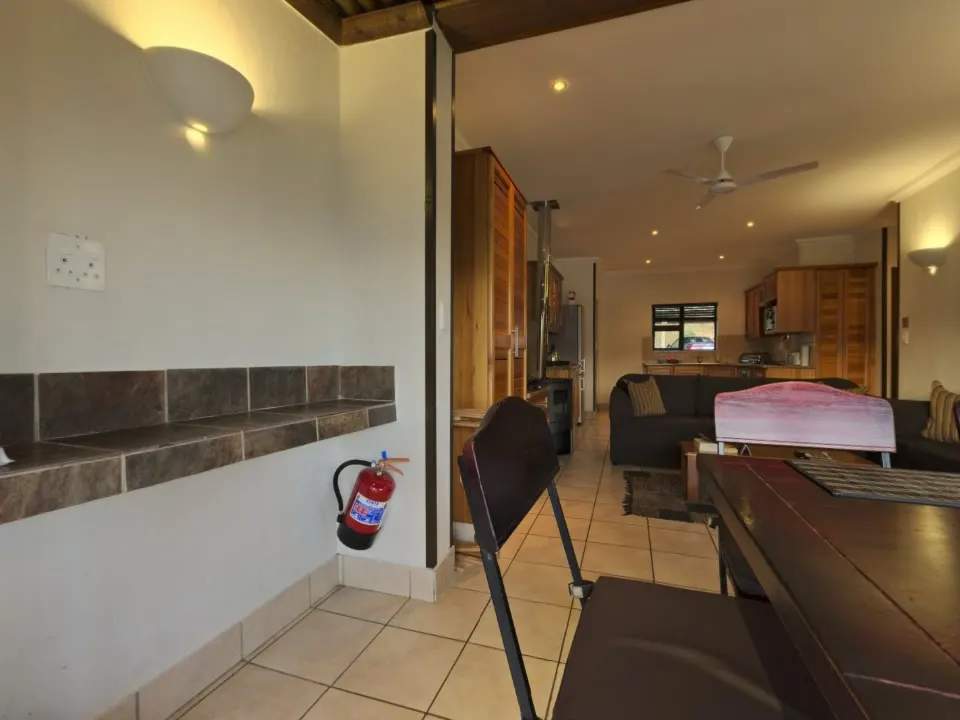
It's the tour's cover image, the same one people see when you share the link on WhatsApp. If the tour doesn't have one yet, the poster prints without a photo.
Do people need an app to scan it?
No. The iPhone camera and most Android cameras read QR codes. The tour opens in the browser.
What if my buyers speak Spanish?
Open the poster and tap "Versión en español". The poster's own text switches to Spanish and the property title stays the same.
What happens once the property sells?
If you delete the tour, the QR code stops opening it and shows "Tour no encontrado". Take the poster down the same day.
Goes with
-
Embed on your website
The tour inside the property page on your own website, from code you copy and paste. Plus the tour link for listings and messages.
-
Lead form
A "Contact" button inside the tour. Interested buyers leave a phone number or email right there.
-
Owner report
Counts every tour's views without cookies and gives you a self-updating report link for the property owner.
Your first tour is free and never expires.
Download on the App Store