 RoomTour
Walk-through Coming soon
Walk through the home room by room, on the real photos.
Each room's own 360° photo covers its walls, floor and ceiling. Tap another room and you walk there, through the doors.
The problem
A 360° tour jumps you from photo to photo. By the third jump it's hard to say which door you came through.
The usual fix
Keep a floor plan open on the side, or wait for the viewing to see how the rooms connect.
With RoomTour
The walk-through takes you from one room to the next through its doors, and you're always looking at the real photos.
How it works, in three steps.
-

1 · The floor plan
Every room has its outline drawn on the plan, doors included. The walls are raised from that.
-
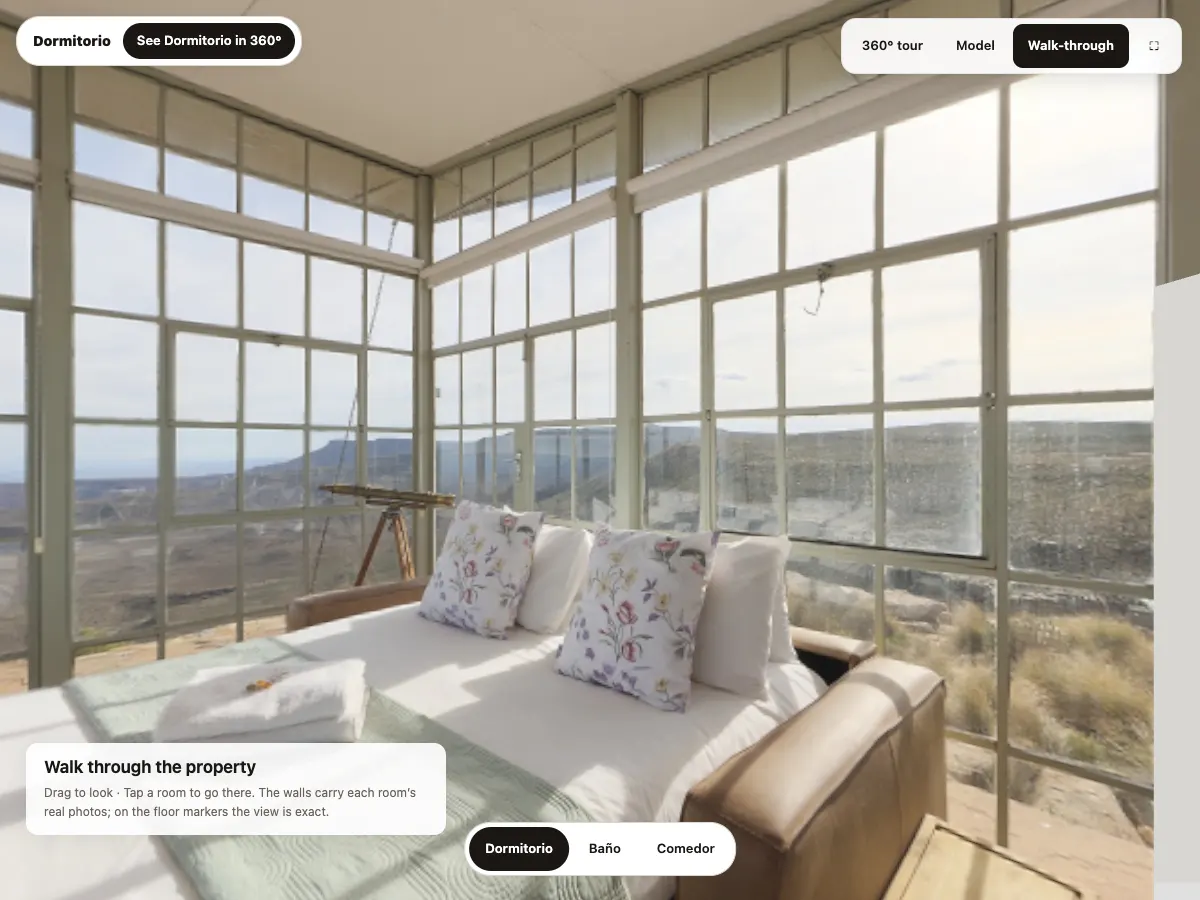
2 · Photos on the walls
Each room's 360° photo is projected onto its walls, floor and ceiling from the spot where it was taken. No furniture is added.
-
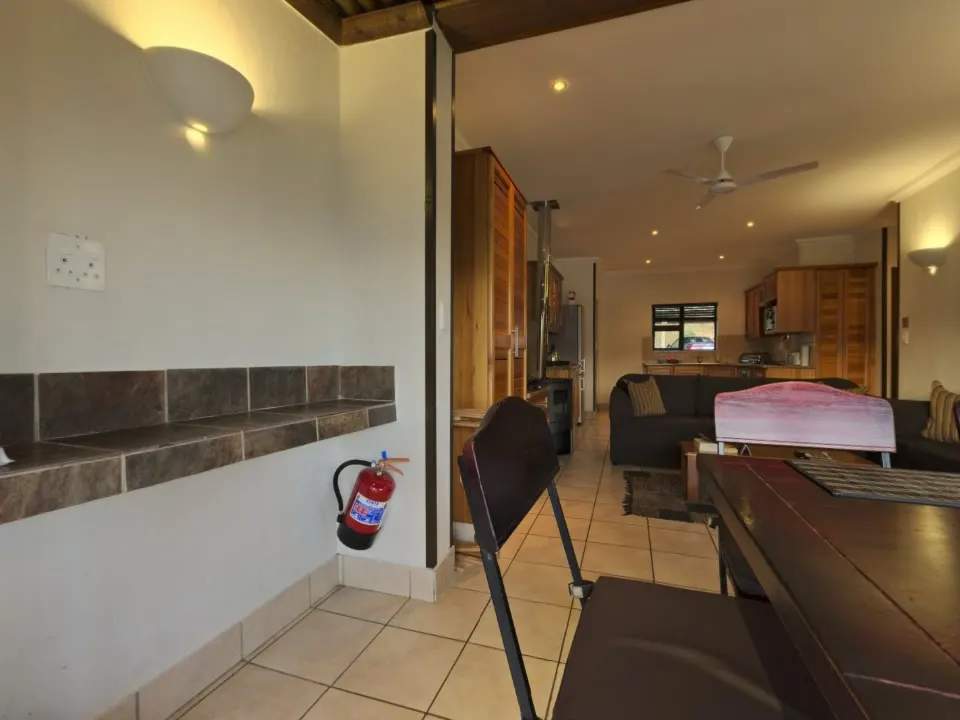
3 · Tap to go
Tap another room and you walk to where its photo was taken. A button there opens it in full 360°.
What you get
The real photos
The walls carry their own room's photo. On the floor markers, where each photo was taken, the view is exact.
Through the doors
Your route follows the doors on the plan and never cuts through a wall. As you walk, the view turns toward where you're heading.
Every room one tap away
A row of buttons at the bottom lists every room with a photo. Tap one and you walk there.
From walk-through to 360°
On a photo spot you get a "See Bedroom in 360°" button, with whichever room you're in. It opens the full photo.
Phone, computer, keyboard
Drag to look, tap to go. On a computer you can also walk with the arrow keys or W, A, S and D.
No photo, plain walls
A room without a 360° photo shows plain walls. Nothing nobody photographed gets made up.
What you need
- Coming soon to your own tours. It needs a floor plan with every room outlined, which comes from scanning with an iPhone that has LiDAR (the Pro models).
- For tours made without LiDAR, it arrives once AI can read the walls off a plan you upload. That's on its way too.
- Until then, try it on the example flat. Nothing to install.
Questions about the walk-through
Is it a 3D scan of the home?
No. The walls come from the floor plan, and each room has its 360° photo projected onto them. From the spot where the photo was taken the view is exact. Step away and the image stretches a little, and furniture looks flattened against the wall behind it.
Why do some rooms have plain walls?
They have no 360° photo. In the example flat that's the hall. We'd rather leave it plain than fill it with something invented.
When will my tours get it?
Soon. It needs a plan with each room's outline, which comes with room-by-room scanning on iPhones with LiDAR. You can try it on the example flat today.
Does it work on a phone?
Yes. Drag with a finger to look around and tap a room to go there. On a computer you can also walk with the arrow keys.
What if I have Reduce Motion turned on?
Then there's no animation. Tap a room and you land straight on its photo spot.
Goes with
Your first tour is free and never expires.
Download on the App Store