 RoomTour
Embed on your website
The tour, right inside the property page on your website.
Copy one piece of code, paste it into the page and the tour plays right there, without the RoomTour logo. For listings and messages you have the tour link.
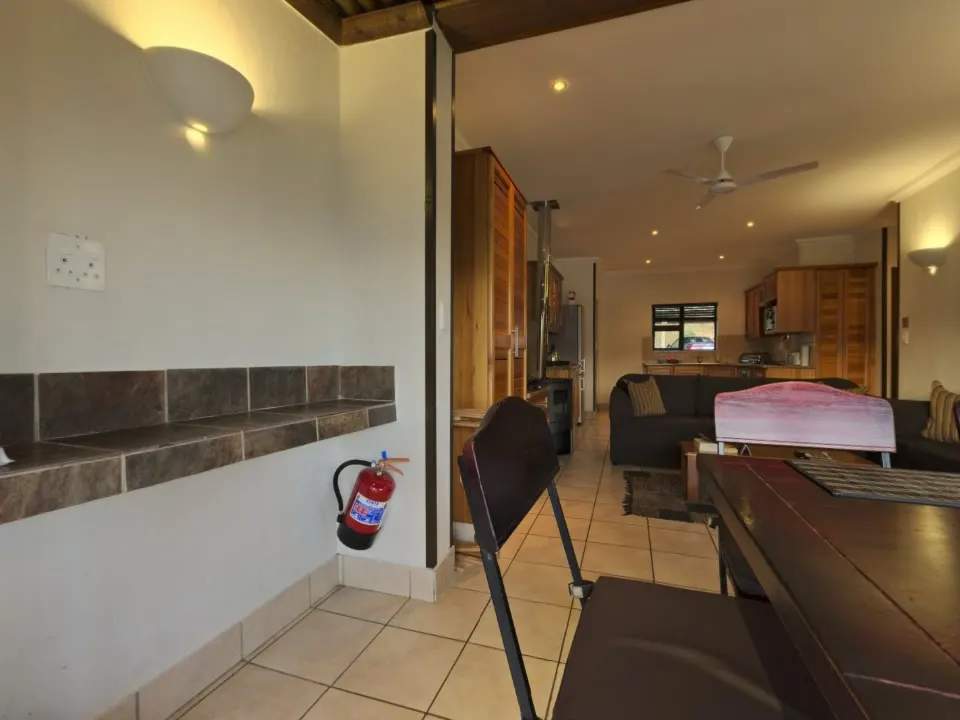
The problem
If the tour lives on another site, people reading your property page have to leave it to see the tour.
The usual fix
Add a link that opens another tab, or fight with embed code that gets cut off on phones.
With RoomTour
The tour's code comes ready to use. It fills the page width, keeps its shape on phones and doesn't load until someone scrolls to it.
How it goes in, on your site and in your listings.
-
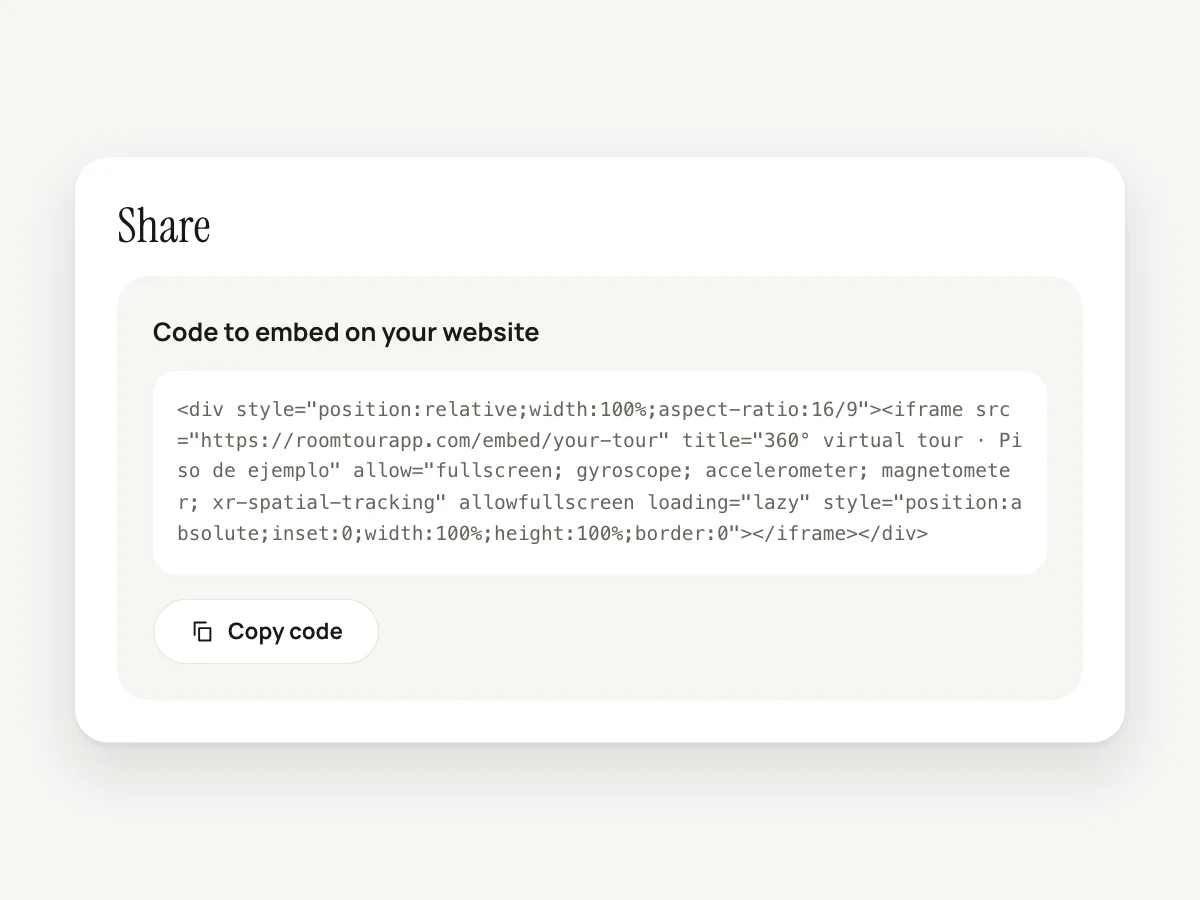
1 · Copy the code
In the web dashboard, open the tour and press "Copy code" under Share. Sign in with the same account you use in the app.
-
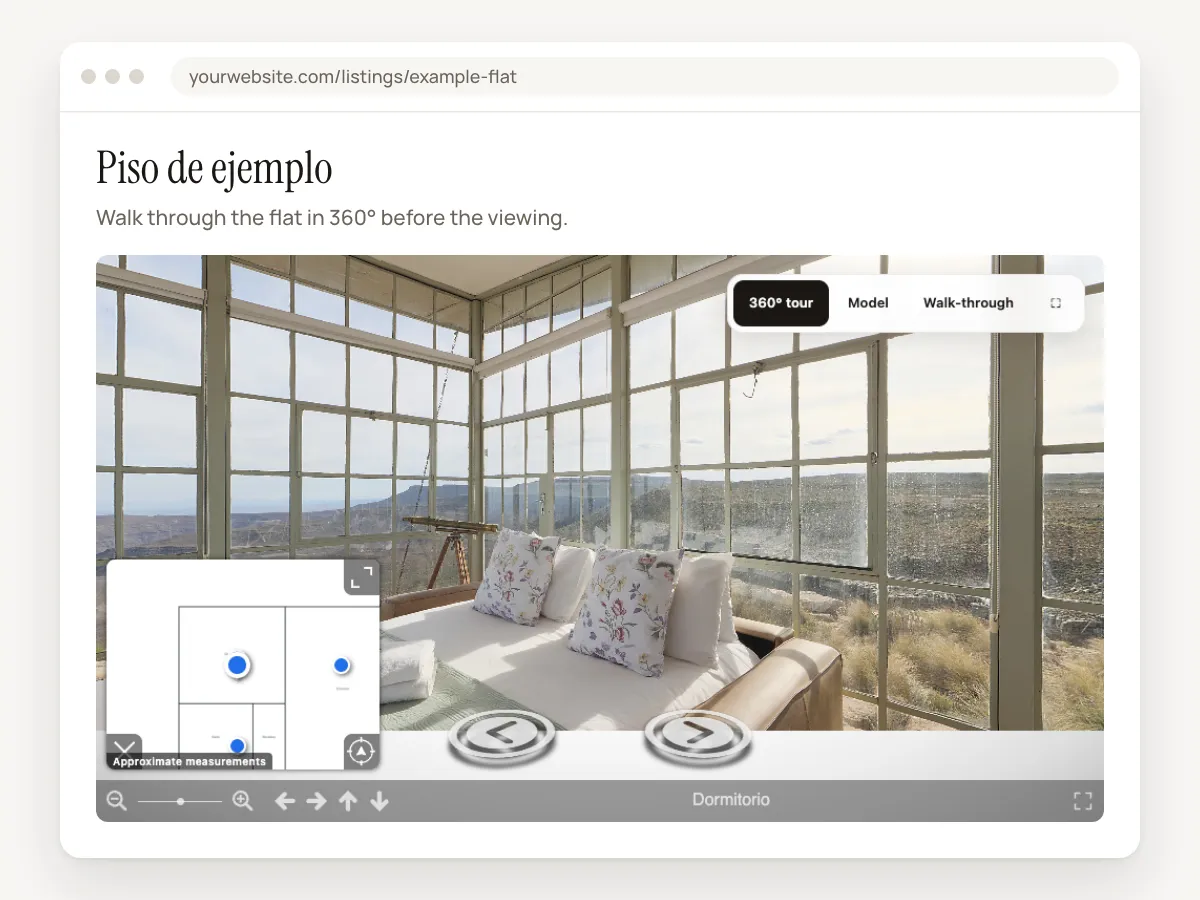
2 · Paste it into your site
It goes into any page that takes HTML, inside an HTML block. Our blog shows where that block is in WordPress, Wix, Squarespace and Webflow.
-
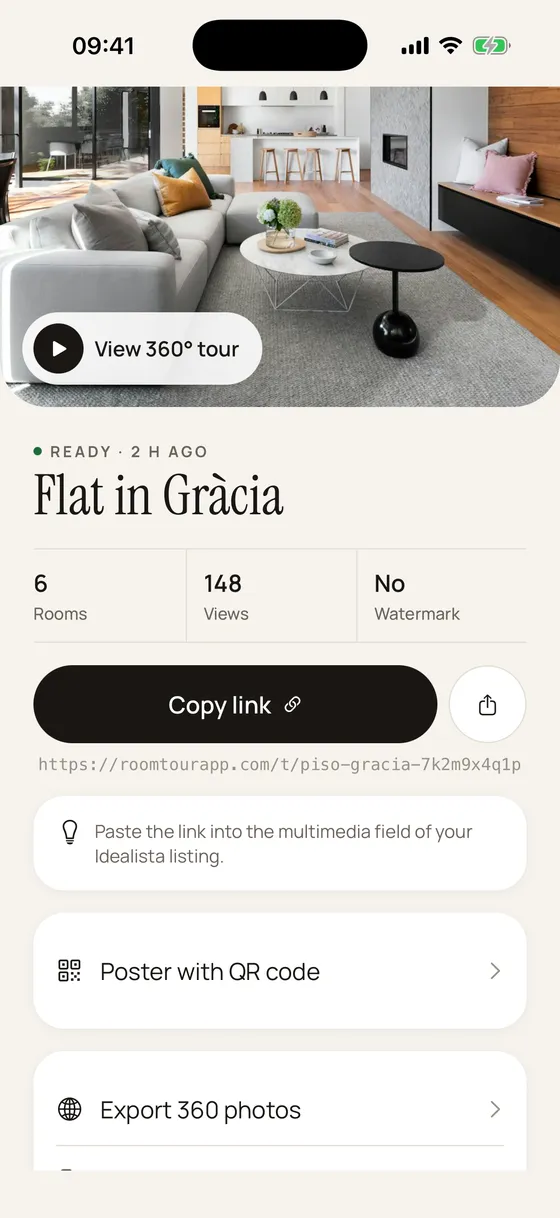
3 · The link for everything else
For portal listings, WhatsApp or your CRM, copy the tour link from the app or the dashboard. Pasted into a chat, it shows the property photo and title.
What you get
No RoomTour logo
An embedded tour has no watermark and no logos, on any plan. On your site, your brand is the only one showing.
Built for phones
It fills the page width in a 16:9 frame. It loads lazily, so nothing downloads until someone scrolls down to it.
Opens on the 360° view
Embedded, the tour opens straight on the 360° photo. If the tour has a 3D model or a walk-through, they're one tap away.
Full screen
A button opens the tour on its own page. That helps when a browser won't let the phone's gyroscope work inside another site.
Views still count
Views from your site add to the tour's view count. They're counted without cookies.
Any domain
The tour can be embedded on any website. There's no domain to register anywhere.
What you need
- A published tour. You make it with the iPhone app.
- For the code, sign in to the web dashboard with your app account. The app gives you the link.
- A website where you can paste HTML.
- It's on every plan, the free one included. See pricing.
Questions about embedding
Can I add the tour to a property portal listing?
Portals take a link, not embed code, and many only accept tours from providers on their own list. RoomTour isn't integrated with any portal today, so a portal may reject the link. It still works in your replies to enquiries, on WhatsApp and on a QR poster in the window.
What about idealista and Fotocasa in Spain?
Both only take tours from their list of compatible providers, and RoomTour isn't on it yet. You can try the virtual tour field, but expect a rejection. Don't paste the link into the listing description, as that can break the portal's publishing rules.
Does the "Contact" button show in an embedded tour?
No. That button only appears when someone opens the tour link, and only on paid plans. Your website has its own contact form.
Does it work on phones?
Yes. The tour fills the screen width and keeps its shape. If the browser won't let visitors move it with the gyroscope inside your site, "Full screen" opens it on its own page.
Can I get the code from the app?
Right now the code is in the web dashboard. In the app you copy or share the tour link.
Goes with
-
QR poster
An A4 window poster with a photo of the property and a QR code that opens the tour on a phone.
-
360° tour
One link with every room in 360°. It opens on any phone and shows up in WhatsApp with a photo.
-
3D model
The whole home as a small model you turn with a finger. Tap a room to step inside.
Your first tour is free and never expires.
Download on the App Store