 RoomTour
AI listing description Coming soon
Your listing text, written from your photos.
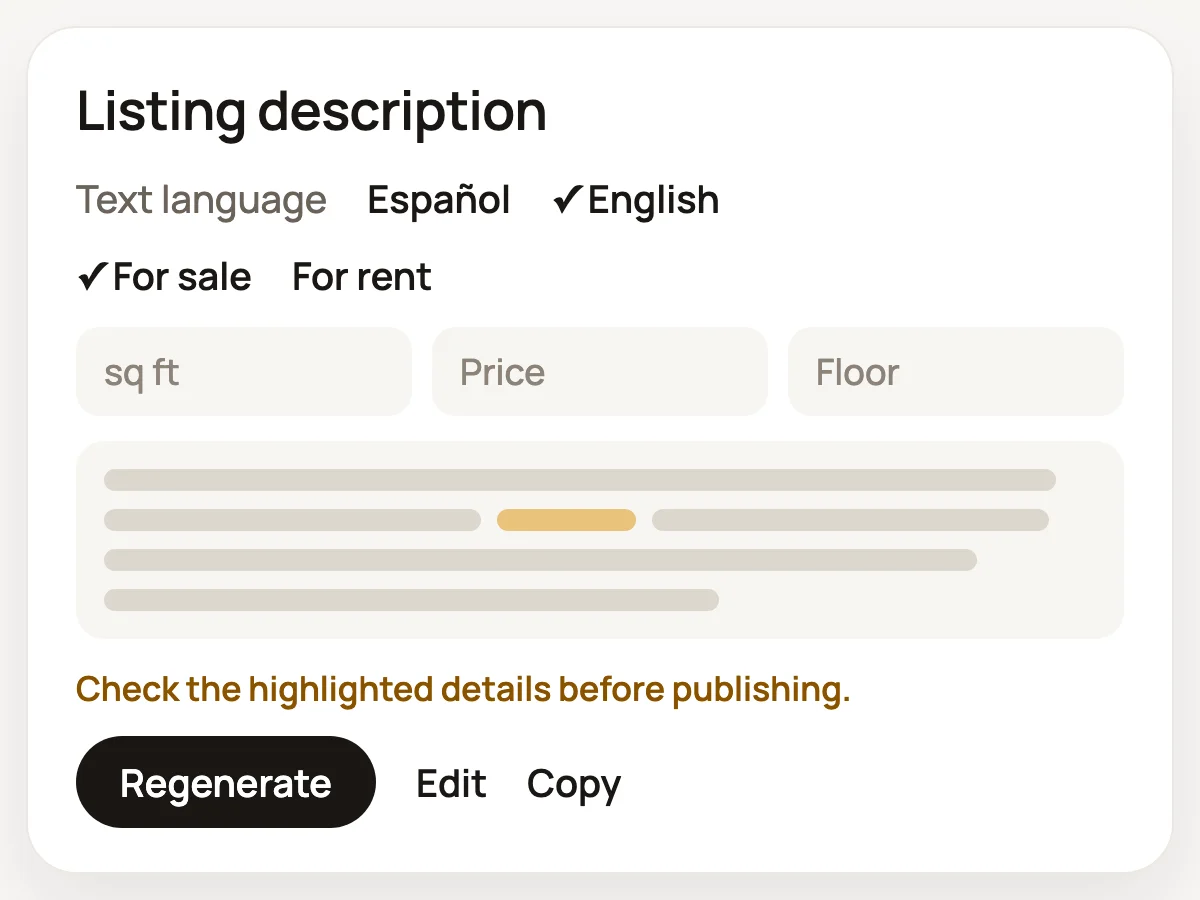
The AI looks at the 360° photos of your published tour and writes a 120 to 180 word description. It only quotes the figures you give it, and if another one slips in, it's highlighted for you to check.
The problem
Writing a description for every listing takes time, and they all end up sounding alike.
The usual fix
Copying another listing and changing a few details, or asking a chatbot and then checking every figure it came up with.
With RoomTour
The AI reads the photos of the home itself. It describes the light, the finishes and the layout, and only uses the numbers you confirm.
How it works, in three steps.
-
1 · Names while you capture
After each 360°, the AI suggests the room's name (Living room, Kitchen, Bedroom…) in the tour's language. If you've already named the room, it leaves it alone. If it isn't sure, the room stays "Room 3" and you name it.
-
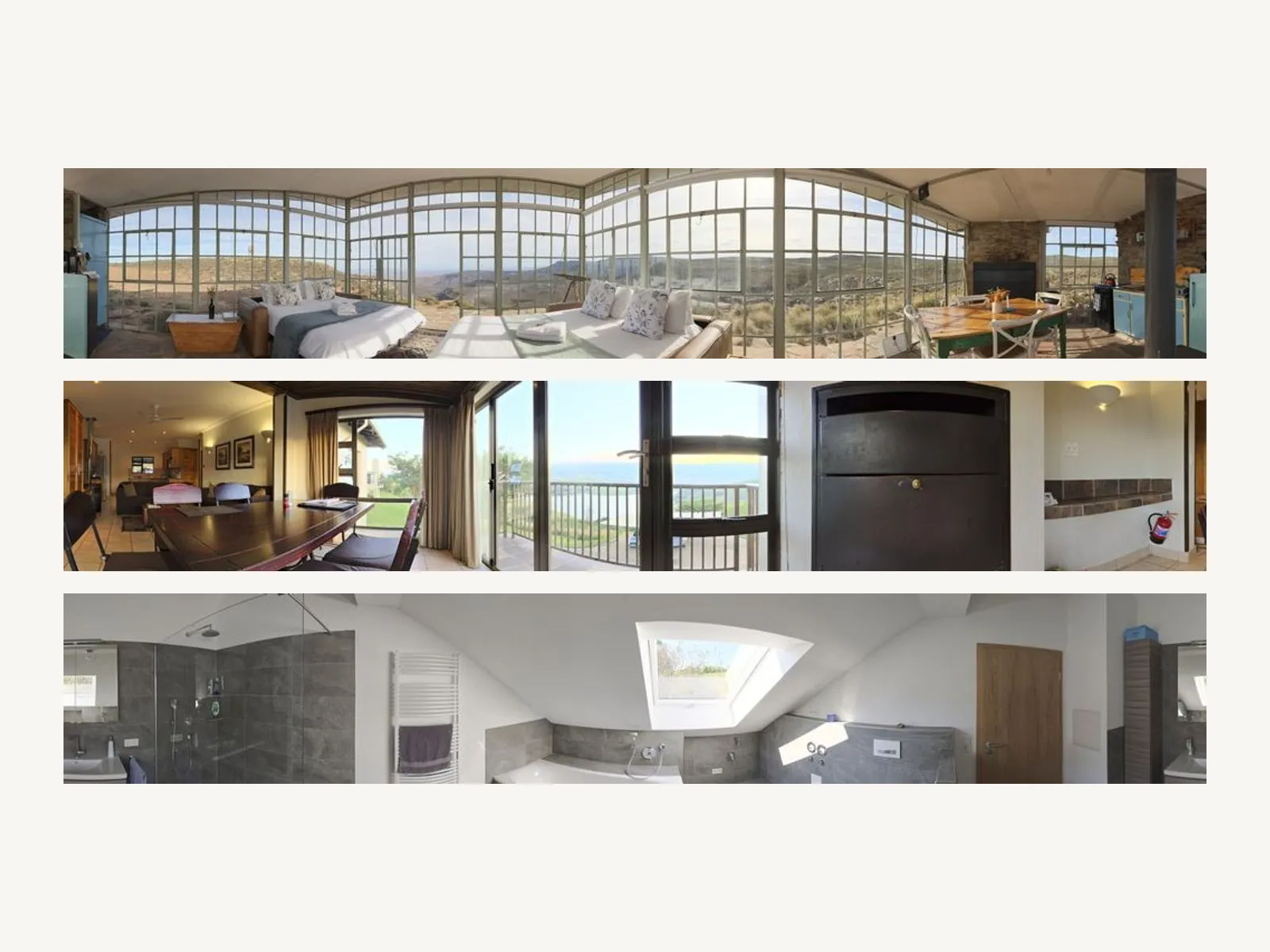
What the AI would read from the example flat: one strip per room. 2 · What it reads
When you generate the text, the AI gets a 360° strip of each room (up to 6) with its name, plus any details you add. Sale or rent, size, price, floor and lift are all optional. Anything you leave blank stays out of the text.
-
3 · The text
It writes 120 to 180 words in English or Spanish. Any figure you didn't give it is highlighted. Tweak it, copy it and paste it into the portal.
What you get
In the tour's language
By default it writes in the tour's language, the one buyers read. You can switch between English and Spanish on the card.
Figures kept in check
It isn't allowed to state a size, price, floor, year or distance you didn't give it. It can say how many rooms were photographed.
Describes what it sees
Light, finishes, layout and condition, in a plain professional tone with no empty superlatives. It doesn't add a headline.
Edit and copy
Tweak the text in the app and copy it with one tap. Edits you make by hand aren't saved, so copy it before you leave.
In the web dashboard too
The last description you generated shows on the tour's page in the web dashboard, with a copy button.
Room names for everyone
Suggested room names work on every account, including the free plan.
What you need
- It arrives with the next version of the iPhone app.
- A published tour. The AI reads the processed photos.
- A signed-up account and the Pro plan for the description. While the launch offer lasts, every account has Pro. See pricing for the details.
- Up to 10 descriptions a day per account.
Questions about the description
Will it make up the size or the price?
It isn't allowed to state figures you didn't give it, apart from the number of rooms photographed. If one still turns up, it's highlighted so you can check it before you publish.
Which languages does it write in?
English and Spanish (Spain). It uses the tour's language by default, and you can change it before you generate.
How many times can I generate it?
Up to 10 times a day per account. If you don't like a version, change a detail or tap "Regenerate".
Where do I paste the text?
Into the description field of whatever portal you use, or on your own website.
Do the room names cost anything?
No. Suggested room names work on the free plan. Only the full description needs Pro.
When will it be available?
With the next version of the iPhone app. Once it's out, it shows up on the page of every published tour.
Goes with
-
Listing photos
Ordinary photos of every room, cut from the 360° tour and ready for a property portal or Airbnb gallery.
-
Capture without a 360 camera
Shoot each room in 360° with your iPhone. Follow a dot, the app takes 30 photos and stitches them on the phone.
-
360° tour
One link with every room in 360°. It opens on any phone and shows up in WhatsApp with a photo.
Your first tour is free and never expires.
Download on the App Store